
Describe a part.
Get a real CAD file.
FORMA turns plain language into manufacturable CAD — STEP, DXF, STL — through a parametric solver, not a warped AI mesh. Real edges, real dimensions, geometry a shop can actually machine, cut, or print.
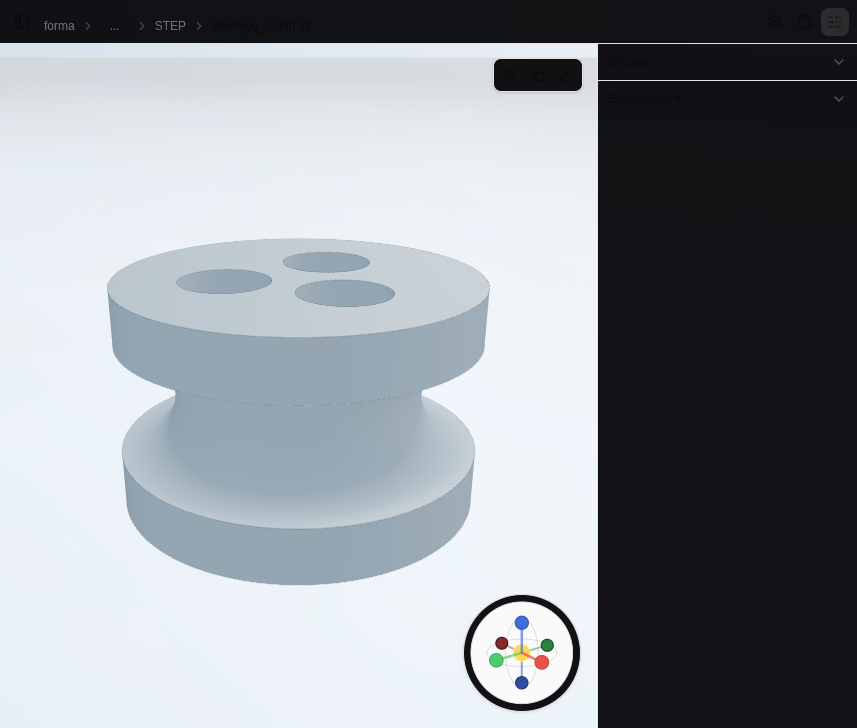
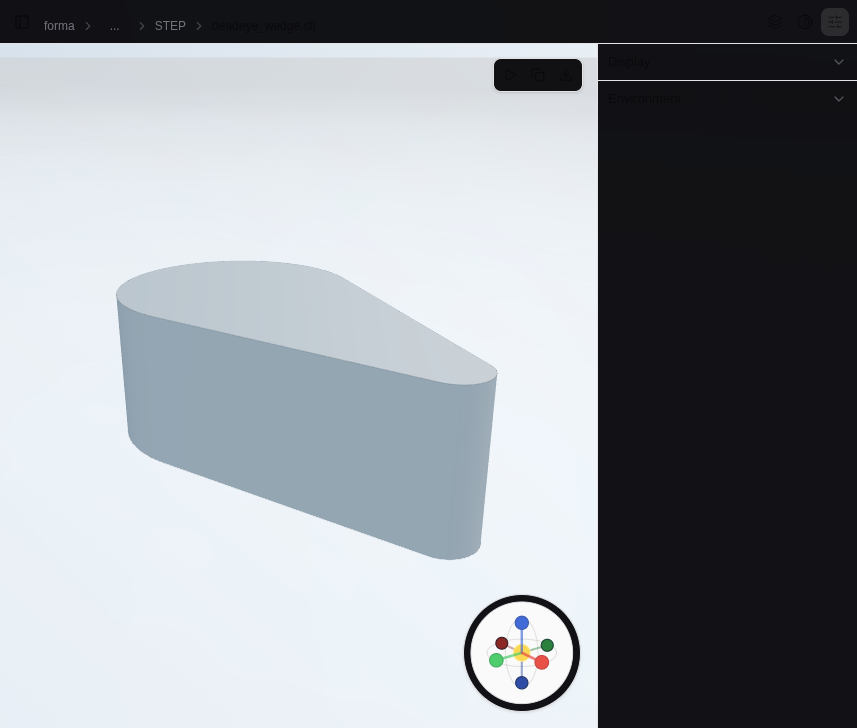
Constraints, not guesses
Generic AI tools draw something that looks like a part. FORMA reads your description as geometric constraints — distances, diameters, thicknesses, relations — and resolves them through a parametric CAD solver.
The result is watertight geometry with exact dimensions and true curves, the kind CNC machining, laser cutting, and 3D printing actually need. STEP is the primary artifact, so the file stays exact no matter how far you zoom.
True B-Rep CAD — the primary artifact
Flat profiles for laser and waterjet
Mesh for 3D printing
Print-ready with settings
What does FORMA do?
You describe a part in plain language and FORMA produces real, manufacturable CAD for it — files you can actually machine, cut, or print. It’s text-to-CAD aimed at parts, not pictures.
How is this different from an AI image or mesh generator?
Image and mesh tools give you something that looks like a part — warped surfaces, no real dimensions. FORMA compiles your description into geometric constraints through a parametric solver, so the output has true edges, exact dimensions, and clean geometry a shop can use.
What files come out?
STEP is the primary artifact — true boundary-representation CAD that stays exact at any scale. FORMA also exports formats like DXF, STL, and 3MF for cutting, printing, and downstream CAD.
What’s CADAM, then?
CADAM is the open web front end that sits on top of FORMA — the browser tool you actually type into. FORMA is the engine and the brand; CADAM is one way to use it.
Can I use it yet?
FORMA is in beta — usable now and still being sharpened. Email info@3d3d.ca for access or to talk about fitting it into your shop’s workflow.
Put a part into words.
FORMA is in beta. Email info@3d3d.ca for access, or to talk about wiring text-to-CAD into how your shop works.